






Technology is simply a way of life in the classroom these days. When I first started teaching, I felt so lucky to have an interactive whiteboard in my classroom, especially a mounted one. Now, only a short 8 years later, apps for elementary teachers are a must-have. Along with interactive whiteboards are tablets these days. With tablets come apps. There are loads of great apps out there for students and apps for elementary teachers.
Today I want to share with you 4 of my favorite apps for elementary teachers to use in their classrooms.
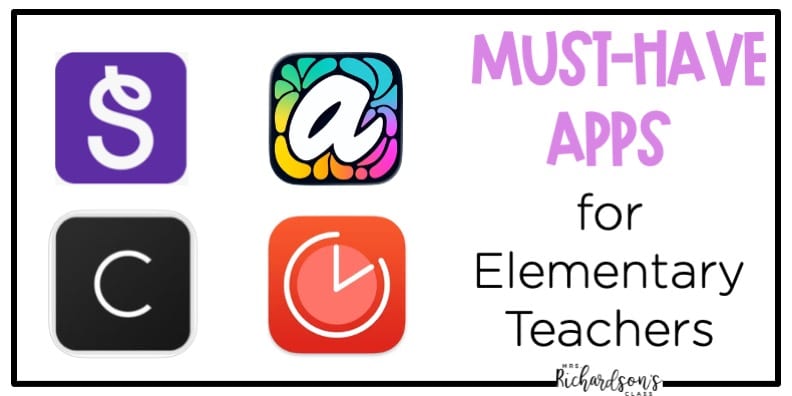
This app is awesome! I wish I had discovered it when I was in the classroom, still. If you conference with your students at all (reader’s workshop, writer’s workshop, math workshop), then this app is for you! I have played around in it a lot! It’s so simple to add students to subjects, type notes, and you can flag them, too. You can group them by skills they are working on and in the paid version you can take pictures of students’ work samples. Hello RTI documentation! Perfection!
This app is perfect for two main reasons: parent communication and student portfolios. I love how easy SeeSaw is to snap a picture, share it with parents, and them get a glimpse into the classroom their child is in. It’s a great tool for building a portfolio, too. If you have iPads in your classroom, you can sho kids how to snap pictures of their own work! At the end of the year, parents will have something to reflect on with their child as they celebrate their progress all year long. This is a must-have for apps for elementary teachers.
If you struggle to stay focused then this app is for you! You can use it all the time–teaching, organizing your classroom, even when cleaning your house! Ha! Anytime I need to be focused on something I use this app. It’s based on brain research and it allows you to work in 25 minute increments, then take a 5 min break. There is a soft ticking sounding the background that reminds me to stay focused and get work done. Need to work during your planning period? Start the app. Need to leave quickly after school but have a few things to finish first? Start the app. It will be your new best friend.
Seriously.
When it comes to apps for kids, I have to share this new app! It’s perfect for students to use in centers if you have a technology center. If you are an elementary art teacher, this is a great way to incorporate digital art in your classroom! (Or, if you are like I was and taught at a school without art, you can incorporate this into your classroom art lessons.) Art is more than play. It’s learning, too!
Project Aqua is a creative playground that brings kids’ artwork to life! Yes, you read that right. Kids use the FREE Adobe created app to draw, create, design, and color. They can bring their art to life by making it 3D, too! From fashion design to building blocks and more there is something for every student.
Technology is all around us in every aspect of life. As teachers molding young minds, let’s make sure to use it wisely. We want to put skilled little humans who can think deeply out into the world. We can no only model how technology can help us, but also give students strong apps that support and ignite learning. What apps for elementary teachers would you recommend? I would love to hear and gather more ideas to share with teachers!











3 Responses
Hello
Has the app level books changed names? I’m trying to locate it and unable. Thank you!
Hi Cheri! Last time I checked it hadn’t, but it has been a while.