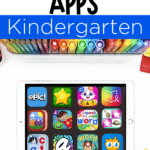







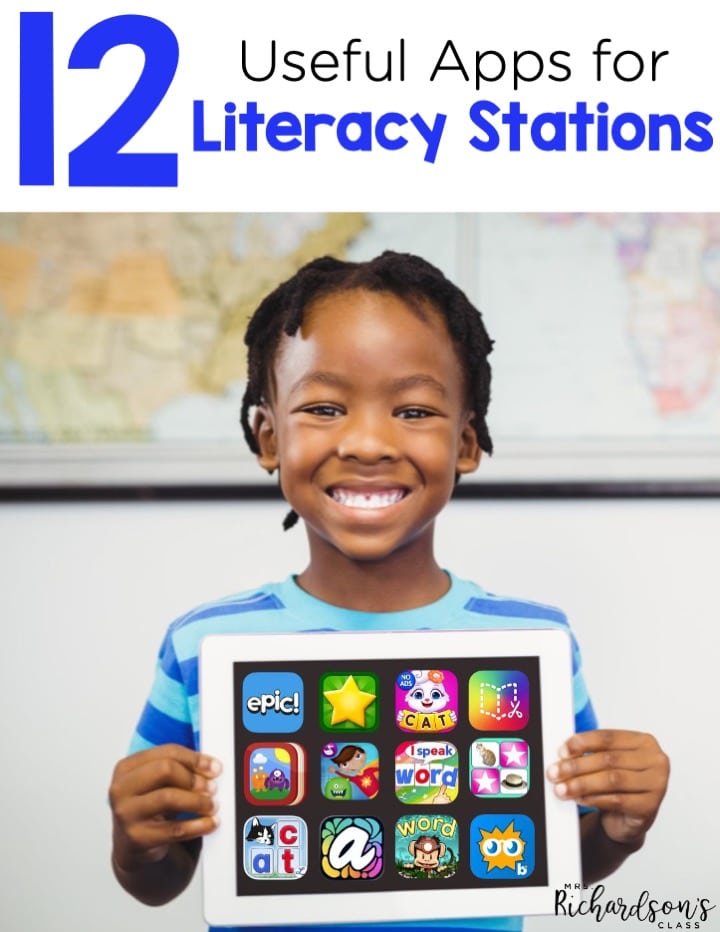
With more school districts diving into classroom technology, the door of opportunities is opening wide! When it comes to apps for literacy stations, there are so many to choose from. It’s important to choose ones that:
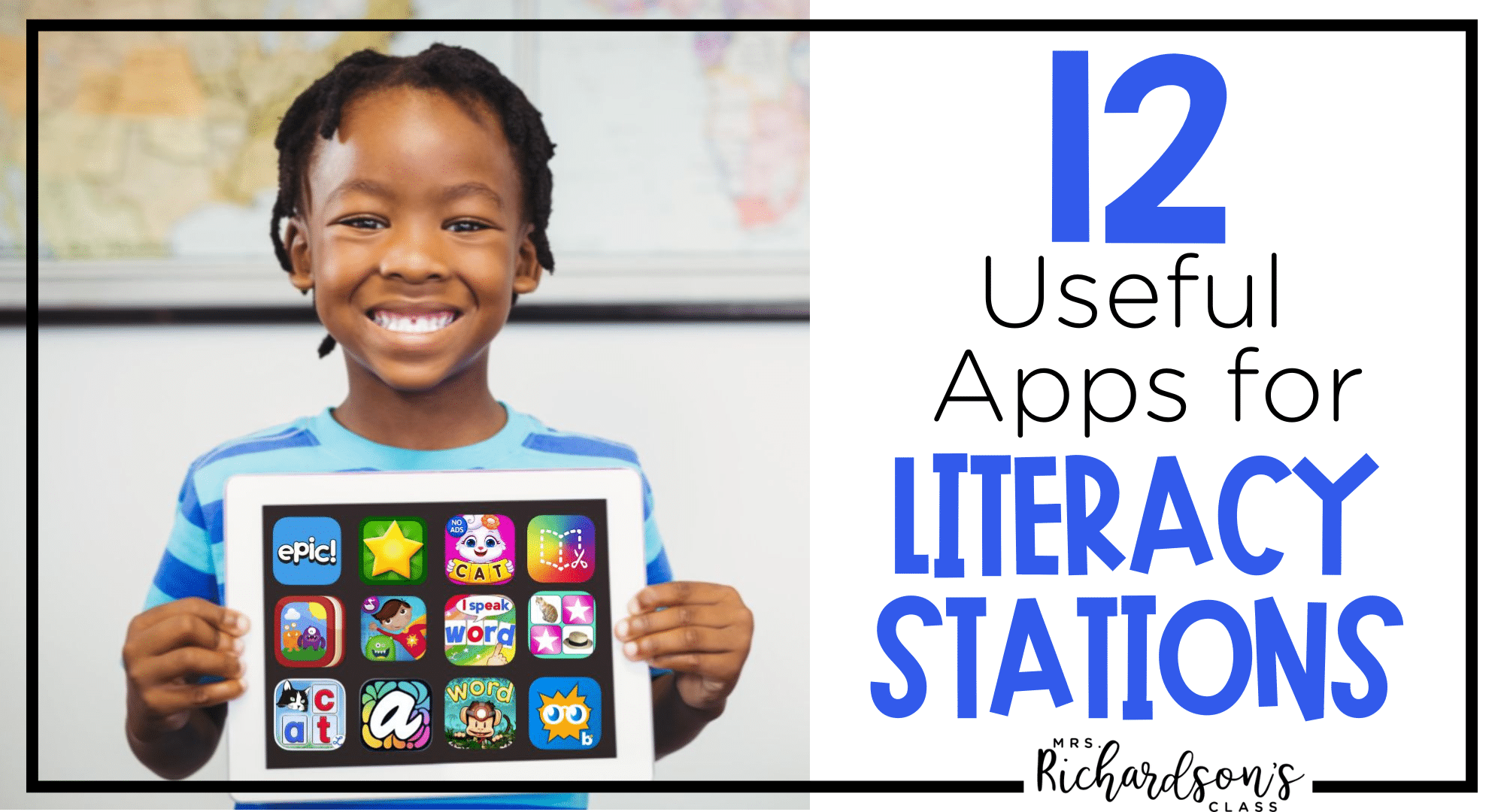
The apps for literacy stations I found to share are either free or pretty inexpensive (under $5). I know there are thousands of apps you could use in literacy stations out there, so I wanted to help you narrow it down a bit! I tried to choose some to cover everything literacy like phonics, spelling, sight words, reading, and writing.
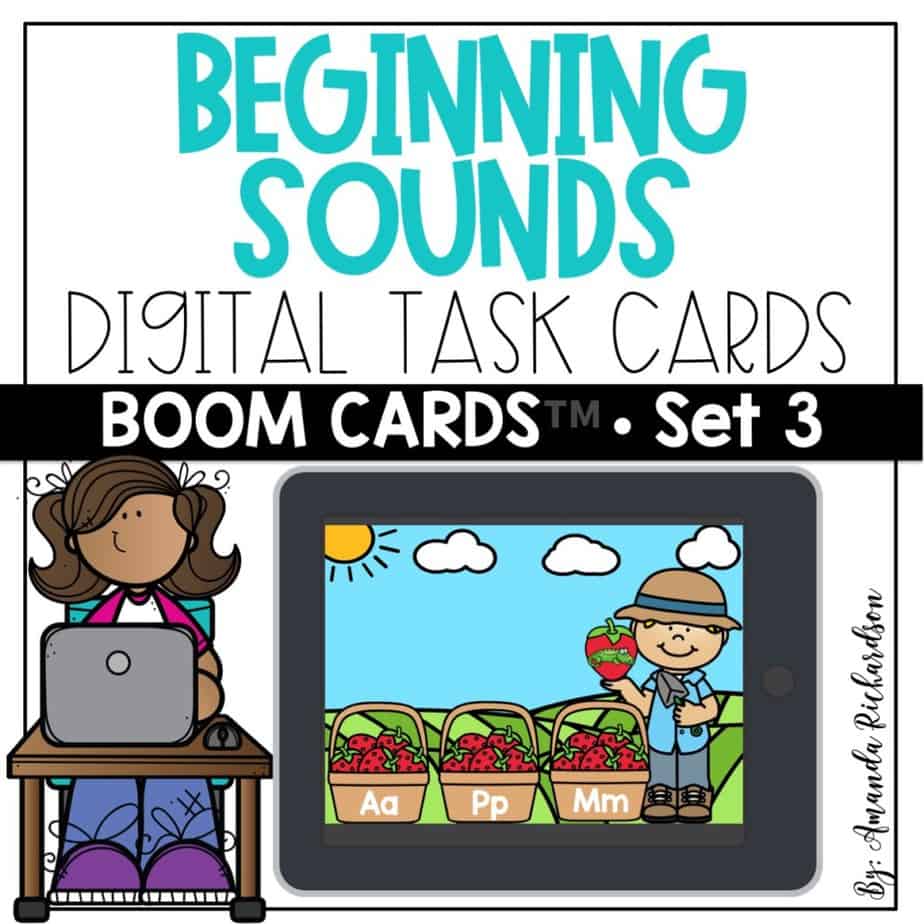
Boom Learning cards are task cards teachers create for students to do that are game-based. Each card has a task for students to complete, and the cards are self-grading so teachers can easily track students’ progress.
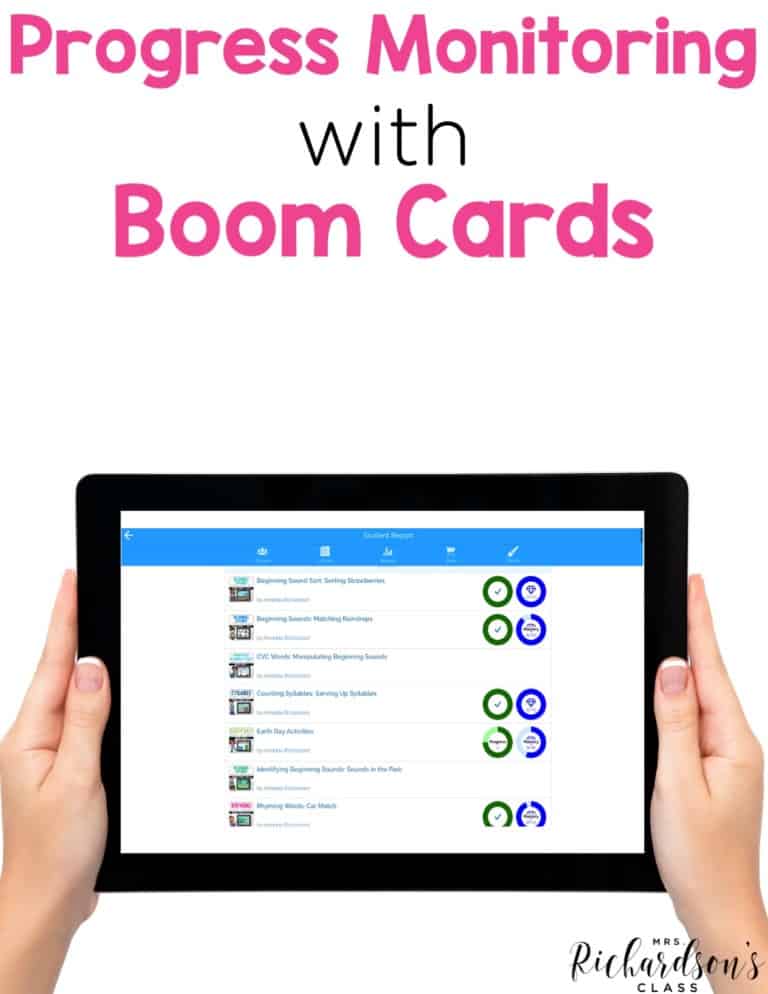
You can purchase a deck and assign it to specific students or your whole class. There are decks for phonemic awareness, sight word practice, phonics activities, and more! Then, you can monitor students’ progress with easy-to-read reports from Boom Learning.
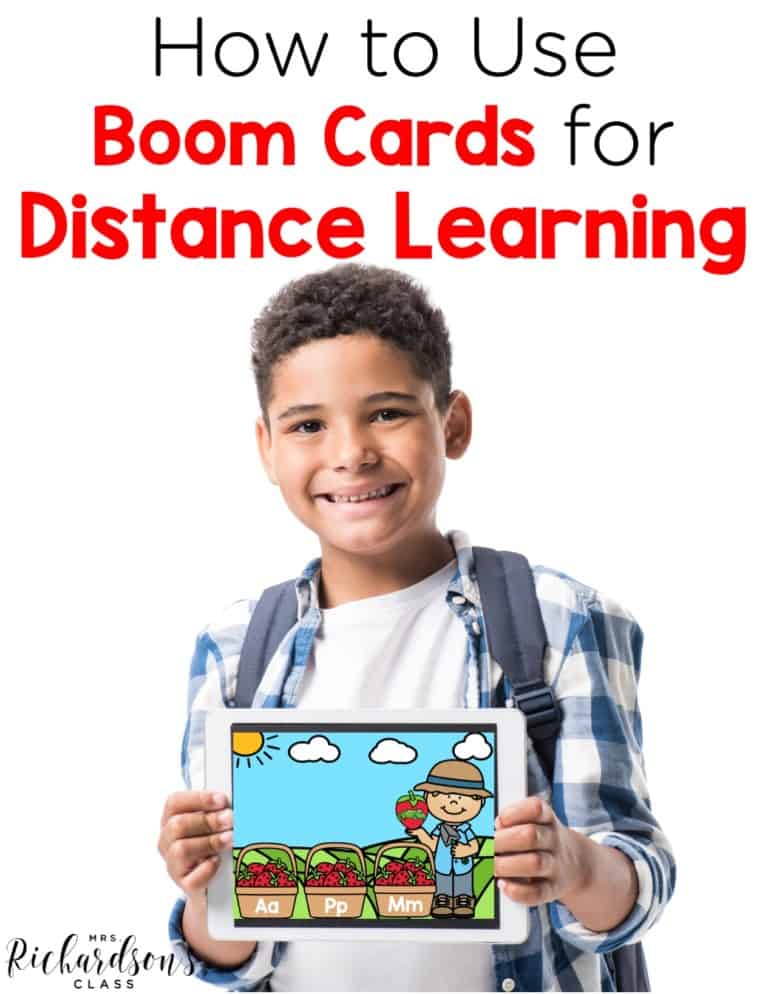
Finally, students can practice these skills on Boom cards at home! They can be used on computers, tablets, or smartphones. Then, you can track students’ progress and assign new decks as needed to master specific skills. This is truly a must-have for apps for literacy stations.
You can get a FREE Boom card deck for beginning sounds HERE!
This app is the ultimate database for books. Plus, it’s free for educators. Epic has everything from “picture books to chapter books, early readers, audiobooks, graphic novels, non-fiction titles, educational books, videos, and more.” They even have books in Spanish. This app also includes informational videos.
One thing I love about it is that it has books kids will recognize like Fancy Nancy, Flat Stanley, Warriors, Biscuit, National Geographic Kids, Diary of a Wimpy Kid, Batman, Goosebumps, and Clifford.
Starfall has a free version of its app that has a ton of fun literacy-based things for students to do like phonics, songs, and alphabet practice. This app is truly great for your youngest learners. The paid version has more features that could be great for an iPad or computer literacy station.
ABC Spelling is a free app that lets students practice phonics skills with CVC words. To my knowledge, it doesn’t go beyond this skill, but there are amy ways to practice this skill. There are no ads and no “pay to upgrade to more skills”. I love the heart behind this app creator, too.
As a parent or teacher, there are settings you can toggle to help support the child best. Be sure to check out those options!
This app is perfect for more tech-savvy first and second graders (and up!). Book Creator lets students create their own books and add fun features like their own videos, voice recordings, and music. They can use a pen to annotate and draw in their book. Then, students can save their books to be read by others!
You could add this to your list of apps for literacy stations as a writing center as well as the iPad center.
Here’s another great option for creating books for your students. My Story School eBook Maker lets students write their own stories and add drawings, photos, stickers, and voice recordings to bring them to life. Then, they can save the stories online, through email, or to iBooks.
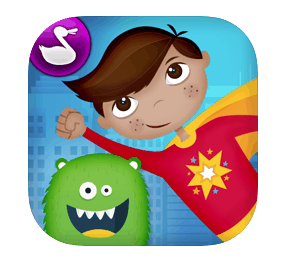
Superhero Comic Book Maker is a free app that lets students create their own comic book stories with 55 different backgrounds. The stickers and sounds effects will inspire the superhero-loving kids in your classroom. Finally, they can narrate their story. The pieces in the comic can be moved around while students are narrating. Here’s a little video of it in action.
These can be saved as videos in the Photos app to be shared with others. You could follow this up by asking students to listen to their stories and write them down on paper.
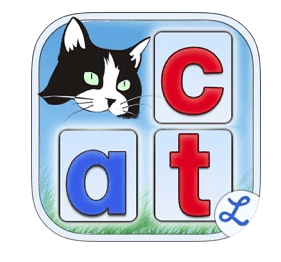
This app is a little pricier, but it makes word work a breeze. Word Wizards functions as a magnetic letter board through the iPad that lets students practice built-in word lists, or you can create your own. It also generates a detailed report to monitor progress.

Partners in Rhyme is a free app for kindergarten students needing practice with rhyming words. It has four different games to help teach rhyming words. If you want students to document their work, they could draw/write three rhyming pairs they found throughout the games.
Montessori Crosswords for Kids is just like what it sounds – crossword puzzles for kindergarten, first, and second grade. Students can practice literacy skills by dragging and dropping letters to spell the word for the given picture.
There are simple CVC options all the way up to more complex words with digraphs, r-controlled vowels, and long vowel patterns.
Many times we are writing stories during our writing time or even during literacy stations. This new, free app, Project Aqua: Art & Play, is a must-add for your list of apps for literacy stations. Kids can use Project Aqua by the creators of Adobe to illustrate their story! See for yourself how this app promotes creativity in the video below.

If you are looking for opportunities for your kids to be creative, practice art skills, and bring their art to life, this app has it! Get this app free in the app store!
You can also learn more HERE on their website.
Word Monkey School Adventure is a game-based app where students work on rhyming words, sight words, letter recognition, and phonics concepts like consonant blends, digraphs, irregular vowels. The game automatically adjusts when students start mastering skills so they are challenged, but not discouraged.
Remember to preview apps to be sure they would be a good fit for the students in your classroom. If you have parents in your classroom asking for apps that support literacy at home, you could recommend any of these to them, too.
Do you have any other favorite apps for literacy stations? I’d love to hear about them! Share them in the comments or in my Literacy Facebook Group!